Notify App for Xiaomi Watch and Mi Band
The all-in-one app to unlock your smartwatch: advanced notifications, quick replies, navigation, phone controls, and images — all in a single app.
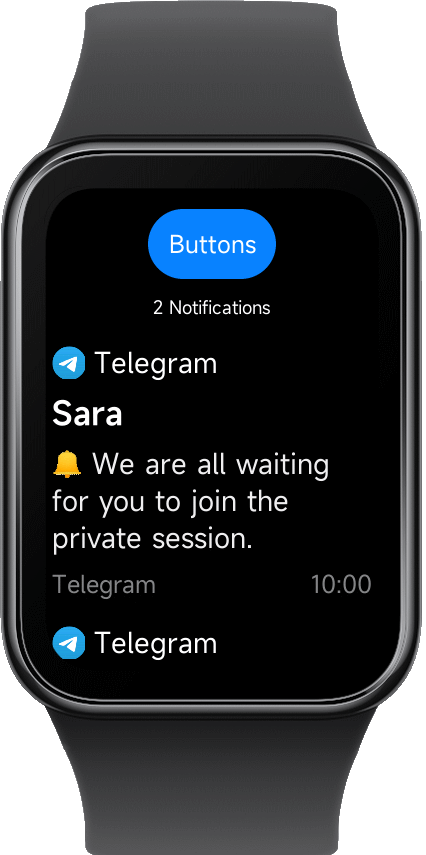
The all-in-one app to unlock your smartwatch: advanced notifications, quick replies, navigation, phone controls, and images — all in a single app.
Notify replaces multiple apps with a single unified experience. All features are accessible from the main screen using the top Buttons entry.
Notify gives you full control over how notifications appear and behave on your smartwatch, far beyond stock apps. :contentReference[oaicite:0]{index=0}
Install custom styles from: Features → Notify → Themes
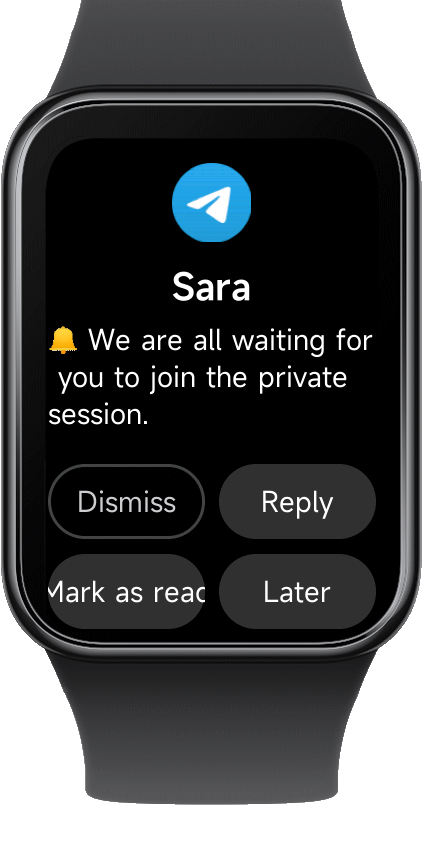
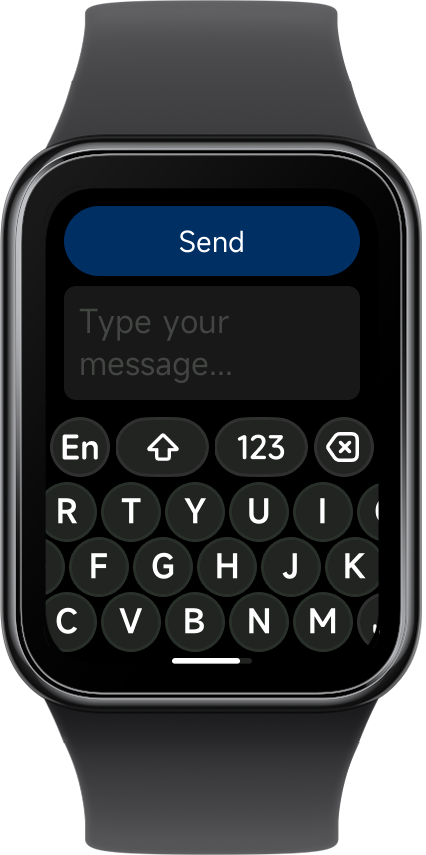
The Notify app allows you to reply to messages directly from your smartwatch, without touching your phone.
Replies work with supported messaging apps and are sent instantly via your phone connection.
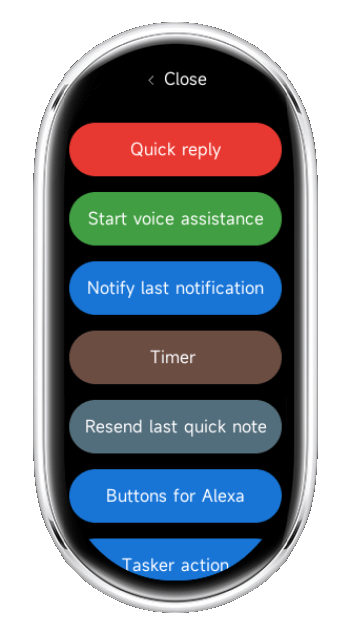
Trigger actions instantly from your wrist: automation, shortcuts, or smart controls. :contentReference[oaicite:1]{index=1}
Get turn-by-turn directions with vibration alerts directly on your watch. :contentReference[oaicite:2]{index=2}
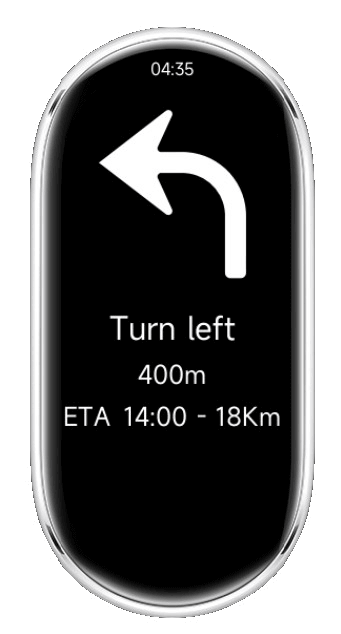
Display images from your phone or notifications directly on your watch. :contentReference[oaicite:3]{index=3}
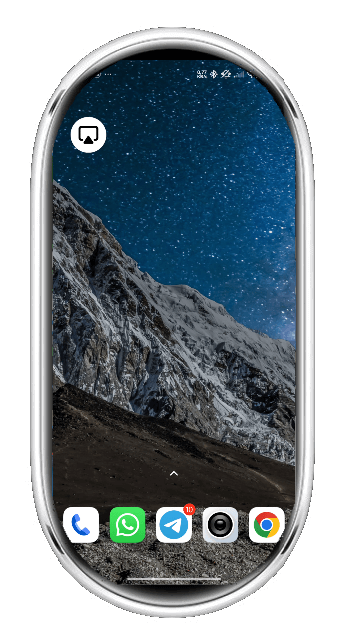
Install Notify and unlock the full potential of your Xiaomi Watch or Mi Band.
How to install:
- Open Notify for Xiaomi app on your phone.
- Go on Features section
- Follow top instructions to install the Notify app on your watch.